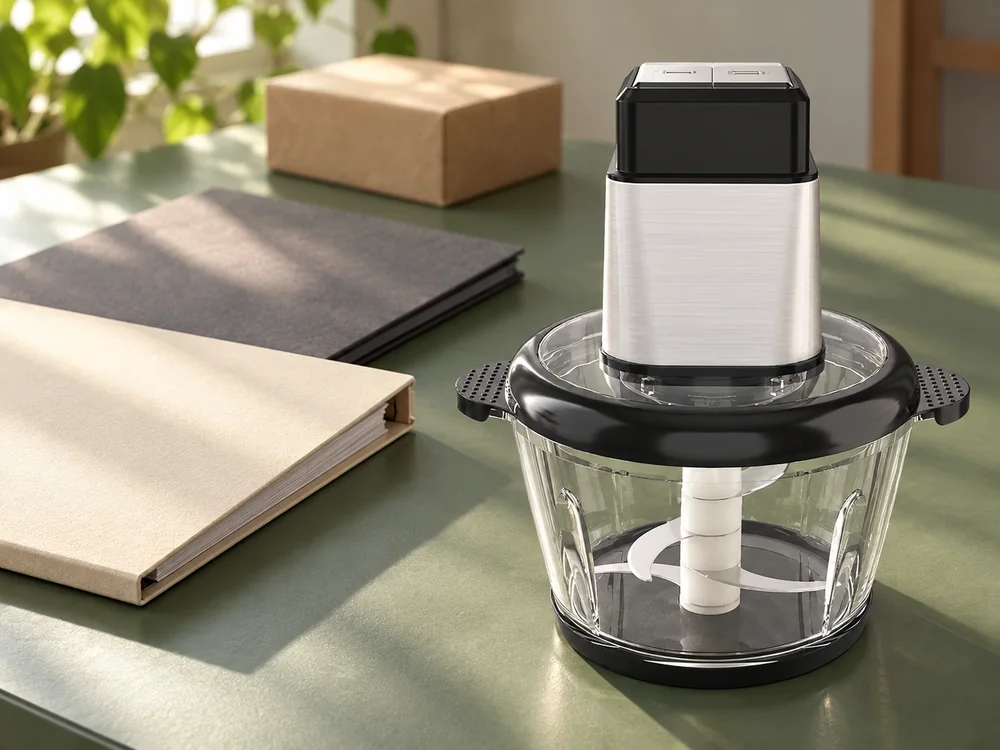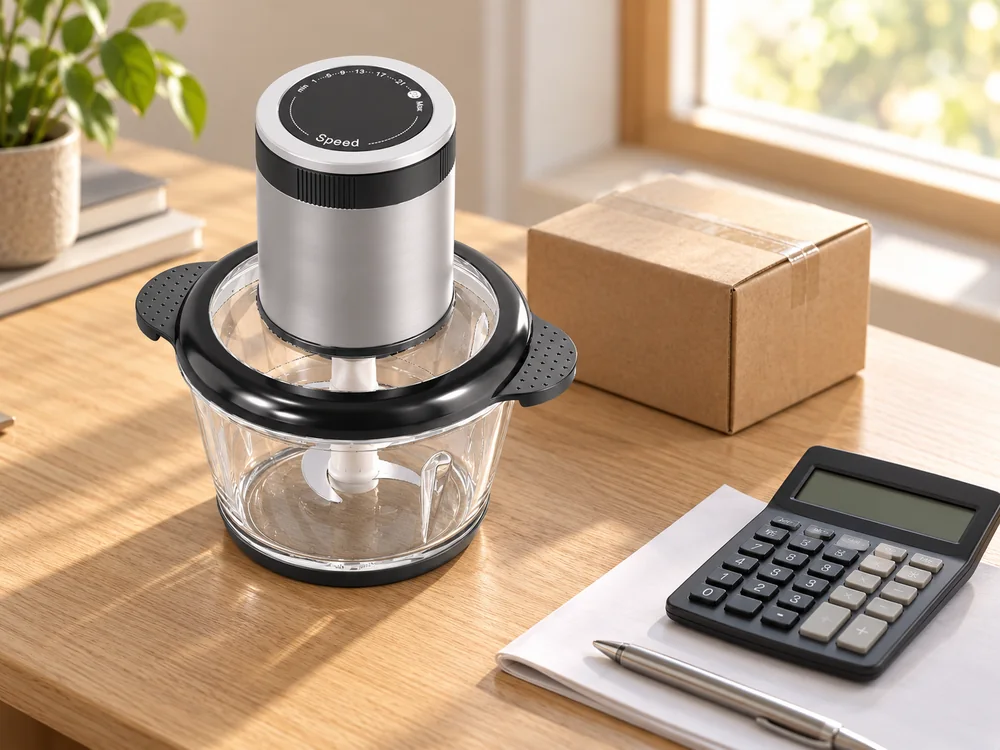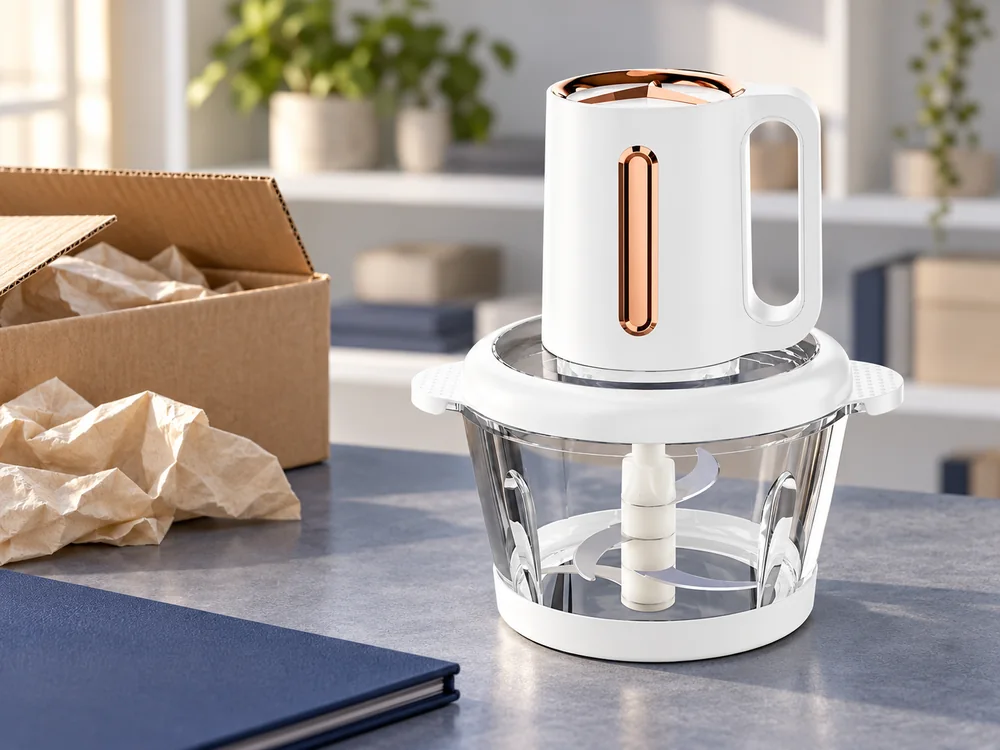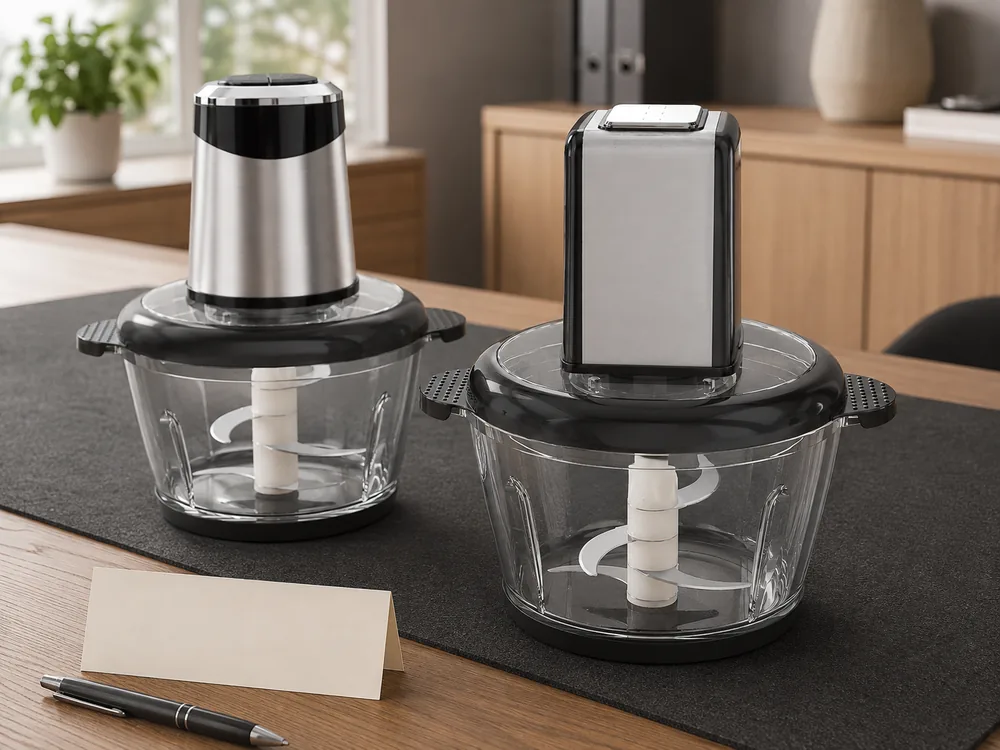
Meat chopper sourcing from China often begins with a photograph carrying an older model code. Before requesting a final price, connect that image to the supplier's current identifier and the proposed configuration. The record needs to stay usable when sales, sampling and packing are handled by different people.
The importer needs an identification record that another colleague can use without interpreting the original conversation. It should distinguish a confirmed code match from a proposed replacement, especially when the supplier returns several possible products for one photograph.
This guide uses JINJIE's countertop bowl-type electric choppers as examples. Industrial meat-processing equipment and screw-fed grinder capability are outside its scope.
Start meat chopper sourcing from China with the format
Describe what the machine does structurally. A bowl-type chopper processes an intended batch within its container using the compatible blade assembly. A screw-fed grinder pushes material through a different mechanism. An industrial bowl cutter is another equipment category again.
Attach a clear reference image and state the format in words. A request for “an electric meat chopper with a glass bowl” is already more identifiable than “meat machine.” Add the intended ingredients and desired result for the supplier to review within the product's permitted operation.
Avoid borrowing industrial language to make a household product sound more capable. Do not turn nominal liters or a wattage entry into a promised hourly throughput, continuous production capability or sausage-emulsifying specification.
Once the bowl-type format is agreed, give the inquiry a buyer reference and carry it through the quotation and sample request. Keep the supplier's model codes alongside it rather than replacing them.
State what you already know and what you are asking the supplier to identify. A buyer may have a trade-show photograph, an older quotation or only a product image. Naming the source helps the supplier understand whether the task is to locate a known configuration or propose a current alternative.
Keep the first request narrow enough to answer. One image with a clear format and a few required attributes is more useful than several unrelated machines described as equivalent options. If you are genuinely considering more than one format, separate the inquiries so their specifications and prices do not become mixed.
This is an identification step before a final commercial decision. It does not establish supplier reliability, market approval or product performance. Those questions still matter, but they cannot be assessed coherently if the parties are discussing different physical products.

Preserve both model codes when the reference has changed
JINJIE's current configuration reference pairs primary model codes with secondary references. Keeping both visible helps the buyer connect earlier images or correspondence to the proposed product.
|
Primary model |
Secondary reference |
Nominal bowl capacity |
Listed bowl material |
Listed power |
|---|---|---|---|---|
|
KD-01 |
CA1042 |
3 L |
201 stainless steel |
500 W |
|
KD-03 |
CC1042 |
3 L |
Glass |
500 W |
|
HX-05 |
CA1037 |
3 L |
201 stainless steel |
600 W |
|
HX-06 |
CC1037 |
3 L |
Glass |
600 W |
These are configuration-reference examples. They do not confirm cross-model part compatibility or equivalent performance. They also do not allocate every photograph in a grouped asset folder to an exact row.
The primary model names above identify the proposed products; the secondary references connect them to other project records. When a code changes, ask whether this is an administrative rename or a physical configuration change, and retain the supplier's written answer with the mapping.
Use the supplier's official codes on the order and keep any translated image nickname as a separate search aid. That lets another person find the source image without mistaking a folder label for a product identifier.
Do not assume the pattern in a few model codes can be extended to the entire catalog. The paired examples show the mapping for those rows. They do not establish a universal rule that a particular letter always means a particular bowl material or capacity across all product families.
Ask whether an older reference remains orderable or only helps locate its successor. If a current alternative is offered, identify it as an alternative until the supplier confirms what has stayed the same and what has changed. A renamed file is not evidence that the underlying product is unchanged.
If purchasing software accepts only one manufacturer-code field, enter the primary model there and attach the dated cross-reference to the line item. Avoid concatenating two codes into an invented identifier that the supplier cannot search. Keep your own SKU in its separate field.
Use images as references, not as specifications
An image can establish visible features such as a handle, clear bowl, feed opening or control layout. It cannot prove an alloy grade, exact power rating or the nominal capacity of an unscaled container.
A folder containing several capacities may use very similar product views. Keep the image filename and the supplier's confirmed configuration together in the buying record. Where the precise match is unresolved, ask the supplier to confirm it instead of choosing a row by appearance.
This is particularly relevant for larger image libraries. The same housing may appear with several bowls, finishes or accessories. Some pictures illustrate an alternative setup rather than everything supplied in the retail box.
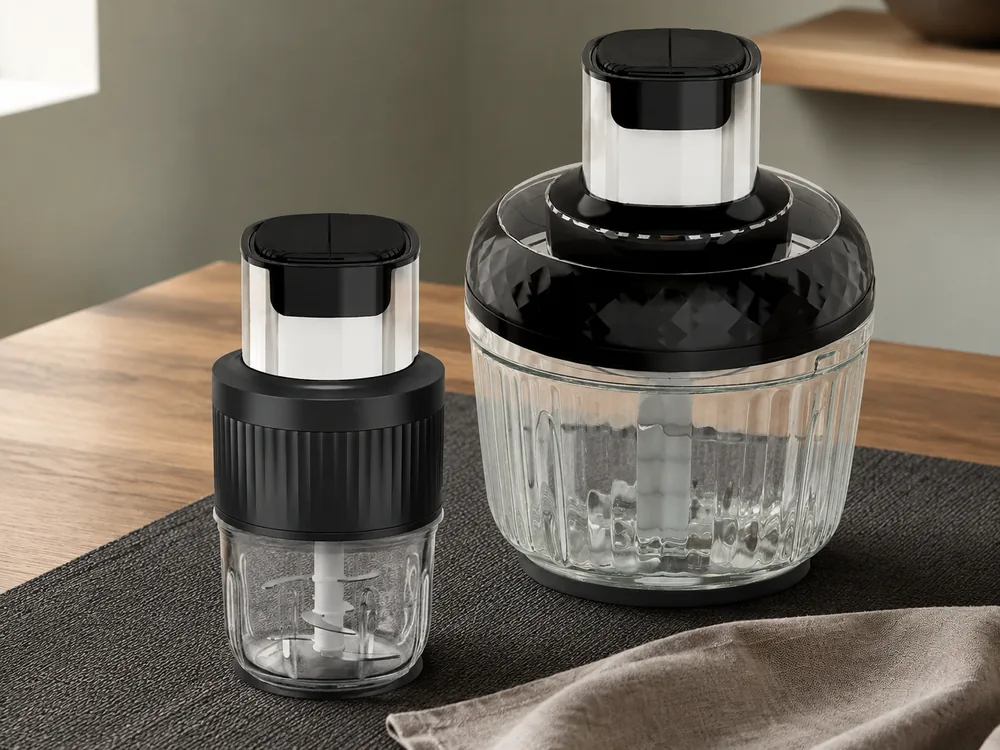
If a photo contradicts the quotation, stop that part of the approval. Preserve both references and ask which should govern the proposal. Do not silently edit the text to match the more attractive image.
Ask for the view that can resolve the visible difference. A front view may distinguish the control layout, while another view may be needed for a handle or connecting arrangement. More photographs are useful only when they answer the identification question; a larger collection of the same angle may add little.
Retain the original reference alongside an edited article or product image. A scene composite can explain the product attractively, but a buying record should still point to the source image and the confirmed configuration. Do not let a background change or crop erase the only visible detail that distinguished two variants.
If the supplier cannot map the image confidently, request a current identified proposal. That may be more useful than continuing to guess which old row matches a low-resolution picture. The buyer can compare the proposed alternative with the required attributes and decide whether to proceed.
Connect the product identity to the commercial offer
Beside the configuration, record the quotation number, date, quantity and quoted delivery basis. Request the validity period, payment terms and the event from which lead time is counted. These commercial fields distinguish an identifiable product from an order that can actually be released.
Record the bowl material and nominal capacity, the control version, compatible blade assembly and included accessories. Keep voltage, frequency and plug together as the electrical version. Add the product finish, branding and pack-out as separate fields.
For the material field, retain the source wording accurately. The examples above list 201 stainless steel for the metal bowls. That is not interchangeable with 304. A buyer requesting another grade needs a reviewed proposal and supporting evidence for that proposed version.
For capacity, ask which nominal bowl size is quoted and what the operating instructions permit for the intended ingredients. A nominal 3 L bowl does not establish a 3 L usable load for every preparation task.
JINJIE's electric meat chopper page explains how bowl material, capacity and the matched assembly enter a product review. Use it to organize the questions, then resolve them for the chosen configuration.
Keep a change in commercial terms separate from a change in product identity. A revised price for the same confirmed configuration is one kind of update. A lower price that depends on a different bowl, control version or supplied set is another. The buyer should be able to see which kind of proposal has been received.
If the quotation uses a shortened product description, connect it to the agreed identification sheet. That allows the commercial document to remain readable without discarding the detail needed to identify the actual item. A model code and a photograph are useful only when their relationship is explicit.
For an order containing several versions, give each configuration its own line. Do not combine glass and metal variants under one general description if their quantities or prices differ. A clear line structure helps the supplier return a comparable offer and later identify the sample or packed product associated with it.
Send an identification sheet with the RFQ
A practical identification sheet can fit on one page. It should include the supplier's current model, other reference code, selected image and date, followed by the configuration fields. Give each field a confirmed value or an explicit open status.
For example, a buyer can identify “HX-06 / CC1037, nominal 3 L glass bowl, listed 600 W” and still leave the electrical version and final pack-out open for confirmation. That is more accurate than assuming those missing values from an older quotation.
Ask the supplier to return the same sheet with corrections and quote its revision on the offer. If the picture, current code and description disagree, resolve the mapping before paying for the sample. Carry that revision into the purchase order rather than attaching an unconfirmed image again.
For the first sample, identify both the buyer reference and supplier model on the accompanying record. State whether it is for configuration confirmation, handling or an agreed permitted food trial. This makes it possible to match the parcel to the quotation without treating sample receipt as production or market approval.
Use a short discrepancy record when the references do not agree. The following examples show how different conflicts lead to different next questions; they are not reports of actual JINJIE errors.
|
Identification conflict |
What to ask the supplier |
What should remain open |
|---|---|---|
|
Older code and new code appear on different files |
Confirm whether they map to the same configuration |
The code mapping until confirmed |
|
Photograph shows glass but the offer says metal |
Identify the actual proposed bowl version |
Sample selection and final configuration acceptance |
|
Two power entries share a broad family reference |
Return the exact configuration row and electrical description |
Which version the price covers |
|
Image folder contains several accessories |
Distinguish included items from alternative setups |
The physical set count |
|
Sample differs from the confirmed image |
Identify the received version and explain the difference |
Acceptance of that sample as the order reference |
|
Reorder uses a new code |
State whether this is a rename or a changed product |
Transfer of the earlier approval to the new proposal |
Resolve the conflict at its source rather than patching each downstream file separately. Once the supplier confirms the mapping, update the identification reference and then align the quotation, sample record and relevant artwork. This reduces the chance that one old description survives in a later task.
Use a status that describes the actual state of the field. “Confirmed by supplier” is different from “inferred from image” or “awaiting response.” The latter two should not become confirmed merely because they have been copied into a cleaner spreadsheet.
If a mandatory attribute remains unresolved, postpone the decision that depends on it. Other work may continue where it is genuinely independent, but the buyer should not approve an unknown configuration just to keep a sample date unchanged.
Keep the identity through sampling and reorder
Before unpacking several samples together, match the accompanying item list to the identification sheets. Keep each unit with its own record while taking configuration photographs. If one unit cannot be matched, set that unit aside for clarification rather than assigning it the next unused code on the list.
If a component is substituted, ask the supplier to identify the replacement and the effect on the complete assembly. A new bowl, lid or control layout should trigger a review of the affected specification, instructions, artwork and documents. The exact checks depend on what changed.
For a repeat order split between old and replacement versions, request separate offer lines and quantities. Agree which version will fill each line before releasing the order. This gives receiving staff a basis for recognizing an intentional mixed delivery instead of reporting every difference as a picking error.
Keep the received sample's identity distinct from the order quantity and courier reference. A parcel can contain several samples, and a shipping label may identify the shipment rather than each product. Use the accompanying record to connect each unit to the intended configuration without adding unapproved markings to the appliance itself.
When the sample differs, decide whether the difference is acceptable for the stated evaluation. A stock color may be adequate for an initial handling review if both parties agreed that limitation. A different bowl or control version may leave the original question unanswered. Record the decision instead of treating receipt as automatic acceptance.
For a reorder, ask the supplier to return the current configuration against the retained reference. Identify any proposed replacement before confirming that the earlier sample remains applicable. This preserves the reason for the original choice and avoids approving a successor solely because its name resembles the previous model.
Where documentation uses another identifier, request a written connection to the proposed product through JINJIE's compliance documentation review. A code mapping helps establish which record is being discussed; it does not, on its own, establish that every market requirement is met.
Retain the completed cross-reference with the purchase record. A colleague handling a later inquiry should be able to identify the supplier model, the buyer SKU and the physical configuration without searching through an old message thread. The record can be short as long as those connections are clear.
Keep the reference date as well as the identifiers. If the supplier returns a newer specification, compare the fields that matter instead of assuming that the latest file simply replaces an older one without consequences. A current document can describe a changed offer rather than correct a clerical error.
When the new reference is accepted, state which earlier record it supersedes and which order it applies to. Leave prior orders linked to their own approved versions. This avoids changing the apparent history of products already purchased when updating the current sourcing file.
That distinction is useful for customer-service questions too. The version offered today may not be the version supplied in a previous shipment, even when the retail name remains similar.
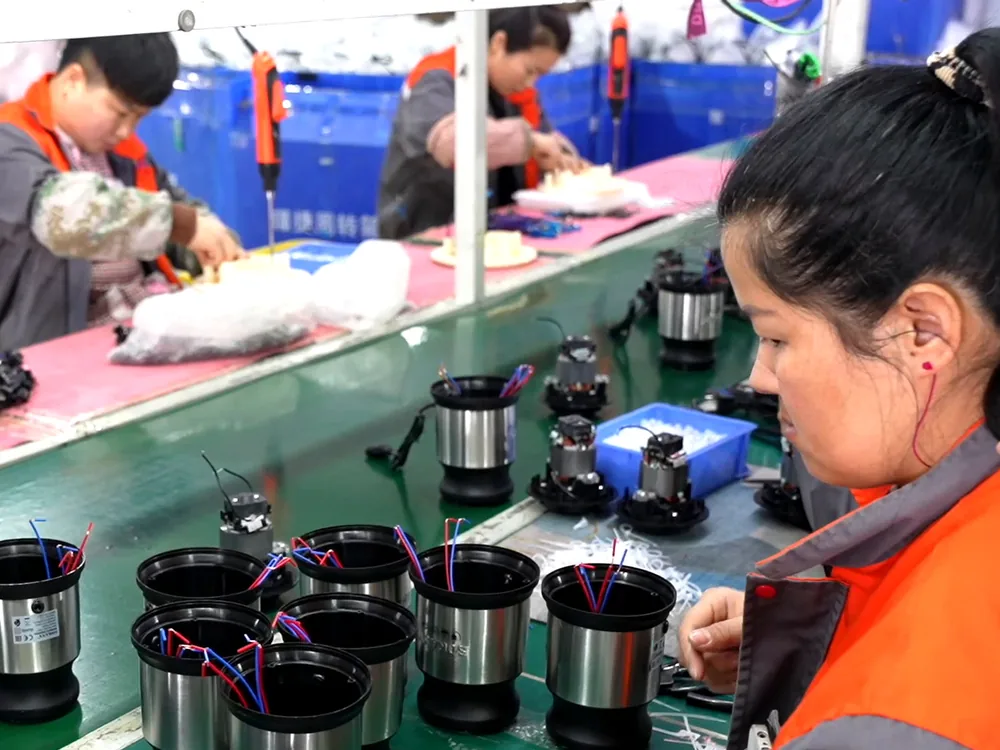
JINJIE's OEM and ODM page describes this connection between sample, written specification, artwork and pack-out. Keep those references together instead of maintaining separate, conflicting definitions in sales messages and packaging folders.
Conclusion
Send JINJIE the reference image, both known model codes and the required bowl configuration. Ask for one confirmed identification sheet to accompany the quotation and sample.
Preserve the difference between a renamed reference and a changed product. Once the image, codes and configuration agree, the buyer can compare the commercial offer and plan the appropriate sample review without guessing what the supplier intends to send.
FAQ
Can two model codes describe the same configuration?
They can, as the primary/secondary code pairs in the reference show. Confirm the mapping with the supplier and retain both codes where they help connect the project records.
Can one image identify every variant in a family?
No. It may show the family appearance without resolving capacity, material or supplied parts. Match the image to the selected configuration before final approval.
What is the first thing to clarify in a broad sourcing inquiry?
Clarify the product format and intended preparation task. That avoids comparing household bowl choppers with screw-fed grinders or industrial cutters that answer a different requirement.
Can I create my own SKU for the imported product?
Yes, keep the buyer's retail SKU as a separate field linked to the supplier's model and confirmed configuration. Do not let it replace the only manufacturer reference. If the contents or electrical version changes, review whether the same retail SKU still describes the offer accurately under your own product-management rules.