A quotation has been accepted internally, the product team has selected a chopper and the artwork team has sent its latest files. Before issuing a small appliance OEM purchase order, the buyer needs to establish whether those decisions describe one executable purchase. An order can look complete while pointing to an older quotation, an unfinished box or a quantity expressed in the wrong unit.
The practical outcome is an order the supplier can acknowledge with a clear product scope, commercial basis and remaining conditions. This guide concerns household food-preparation appliances purchased for resale. It is an operational preparation guide, not a contract template or an opinion on when a particular agreement becomes legally binding. Have the authorized commercial team and, where needed, a qualified adviser review the actual terms.
Choose the offer that the purchase order will accept
Start with the current proposal rather than the first price in the conversation. Identify its date, reference, quantity, currency and product scope. If the supplier has returned a cheaper alternative, determine whether the buyer selected that alternative or retained the earlier configuration. The order must make that choice visible.
An internal approval can have a narrower scope than the supplier’s offer. Finance might approve an expenditure ceiling while the product team accepts a sample. Neither necessarily settles the final package or the supplier’s commercial conditions. Bring these decisions together before sending a document that appears to instruct the whole purchase.
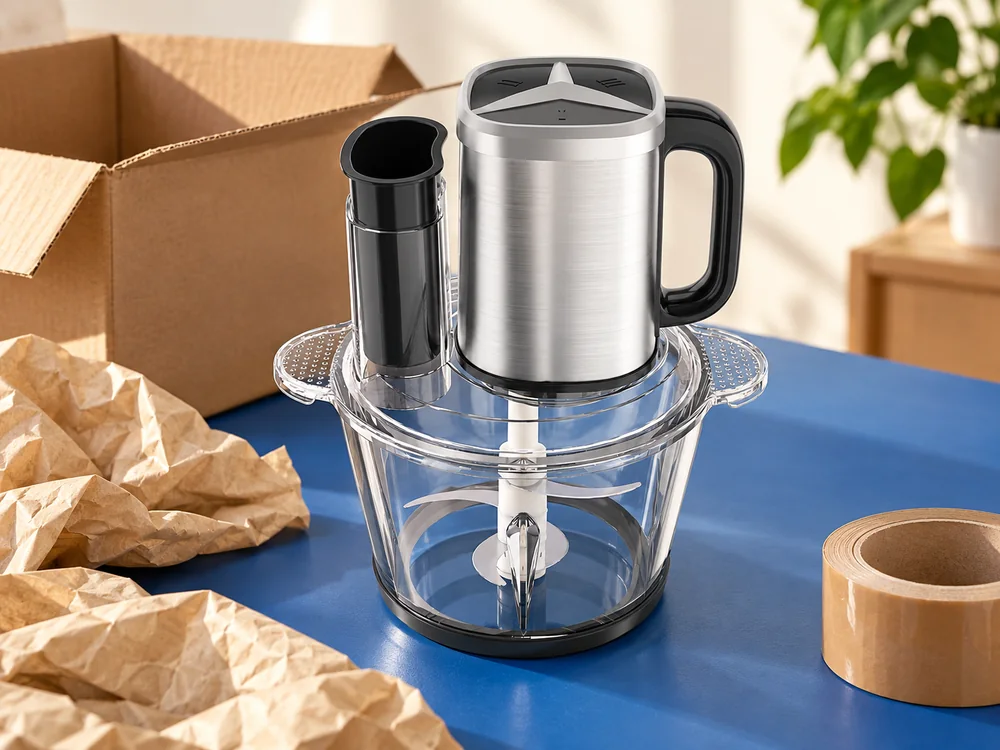
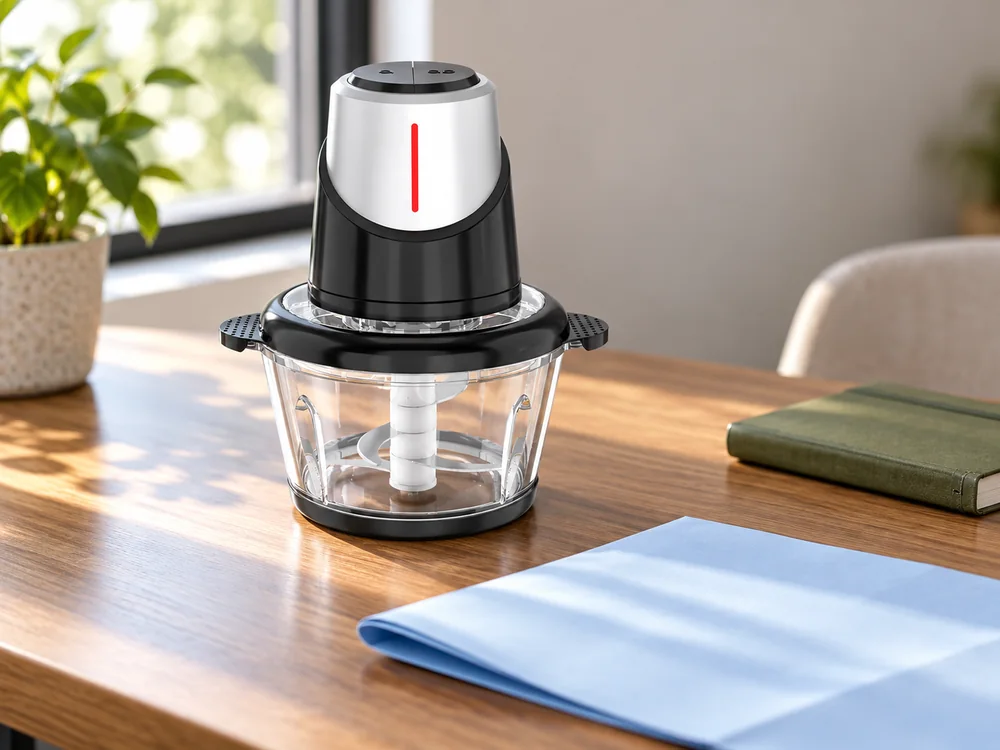
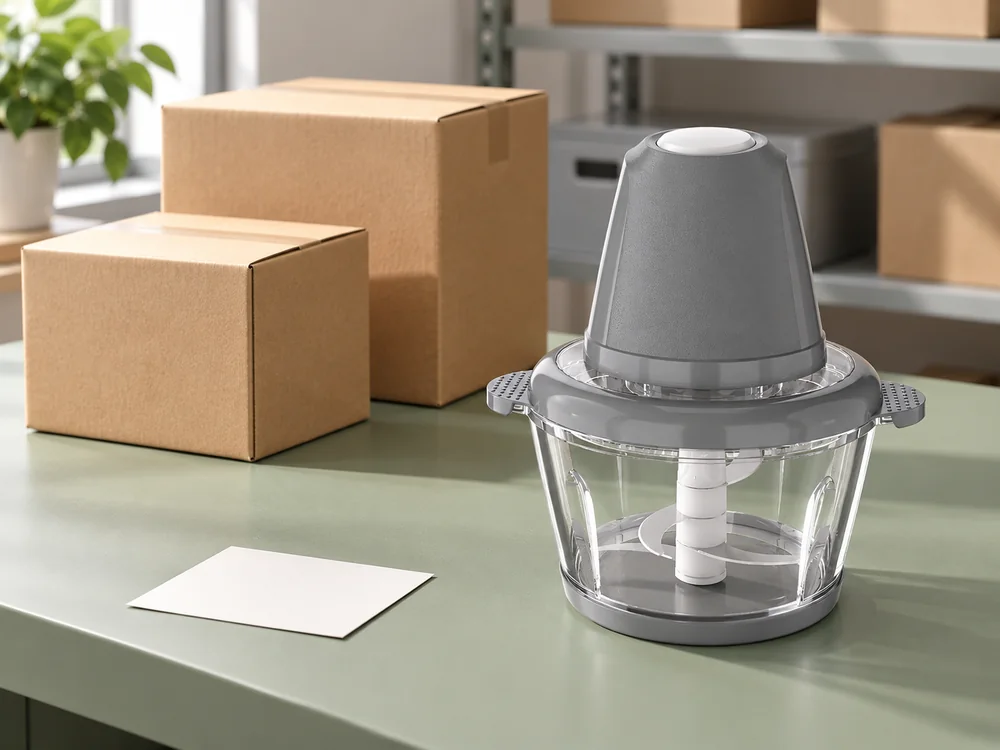
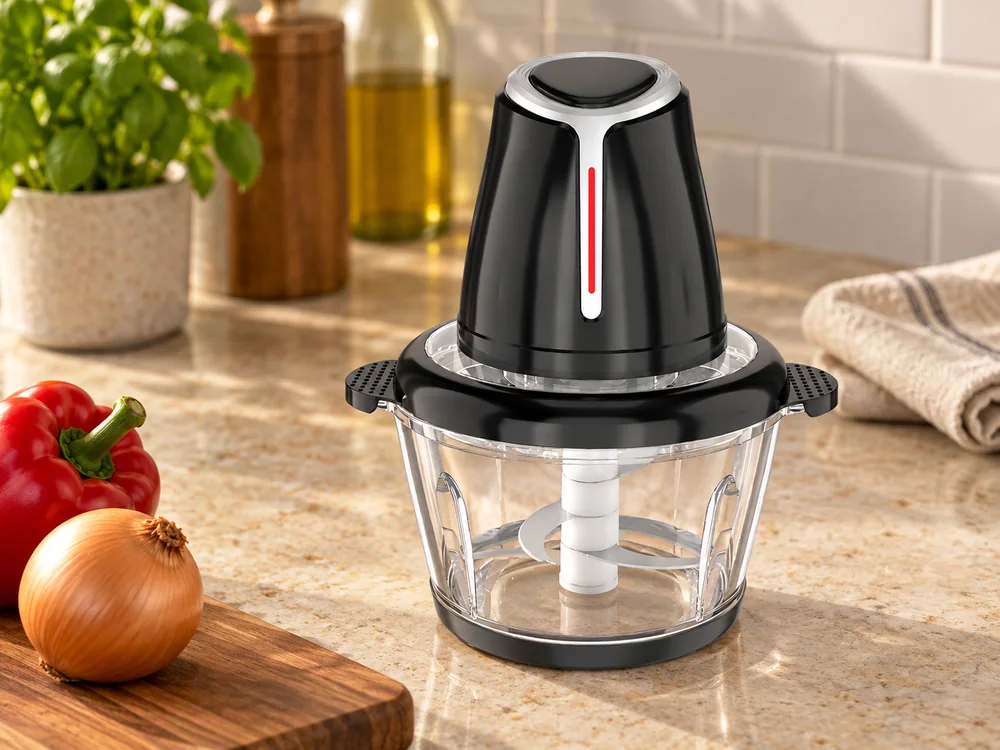
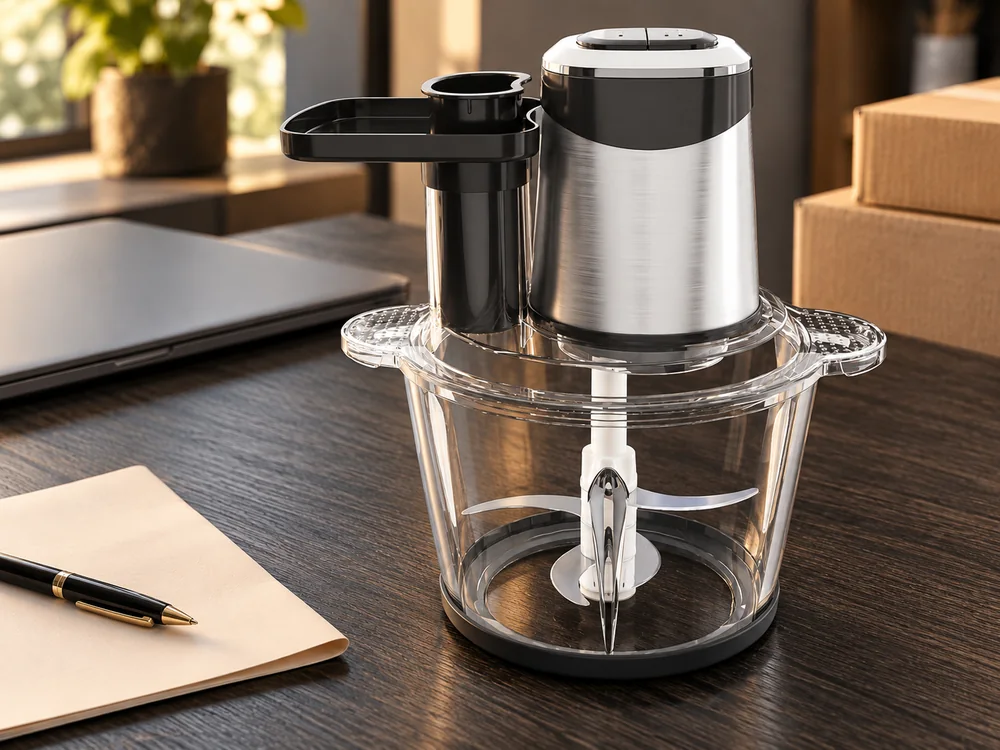
Use the JINJIE electric food chopper range to identify the selected platform. For example, the quotation lists SD-01 with a nominal 3 L 201 stainless steel bowl, a 500 W entry and digital controls. Those fields identify a product reference; the current proposal must still specify the order’s electrical version, contents and presentation. Do not copy another model’s attachments into the line because the housings look related.
If the offer has expired, obtain the supplier’s current response. A purchase order based on an earlier price may be a new request rather than acceptance of conditions still available. Let the supplier identify any changed amount, quantity condition or schedule, then put the accepted version through the buyer’s authorization process.
Separate proposed future purchases from this commitment. A forecast of additional units can help the supplier understand the project, but it should not occupy the same quantity field as the first order. State which figures are firm requests and which remain indicative. That distinction matters later when the parties discuss materials, packing and replenishment.
Make each line describe a complete retail unit
Give the supplier’s model and the buyer’s SKU separate fields. The SKU connects the goods to your selling and receiving systems. The manufacturer reference identifies what the supplier is being asked to prepare. Keep their relationship explicit without inventing a combined code that neither organization uses.
Write the quantity unit beside the number. Complete sets, individual appliances and master cartons are different units. If the order is for complete retail sets, define the included components and printed materials through the accepted contents reference. A carton quantity can remain a packing field rather than silently becoming the purchasing unit.
Consider an invented example: a buyer intends 300 complete sets and the proposed packing is six sets per carton. That is 50 cartons. An order reading only “300 choppers” beside a carton-based item in the supplier’s system could require clarification before either side acts. Six is illustrative, not a JINJIE packing specification. The actual count belongs to the selected offer.
Separate materially different versions into their own lines. Two destination electrical versions, different cutting sets or account-specific boxes need an identifiable allocation. Where the supplier agrees that commercial quantities can be combined, retain the individual version quantities even if one overall price condition applies.
Avoid using a general free-text note to correct several ambiguous lines. If one line is glass and another is steel, describe each accurately where it is ordered. A note saying “as discussed” does not help a colleague receiving the order who was not part of the discussion.
| Order field | Useful entry | Problem it prevents |
|---|---|---|
| Product identity | Supplier model linked to buyer SKU | A retail nickname selecting the wrong appliance |
| Quantity basis | Number of complete sets, with version allocation | Confusing units with cartons or loose components |
| Supplied contents | Identified accepted contents reference | An image being treated as the entire packing list |
| Market version | Agreed electrical and product-information scope | Similar-looking versions being combined |
| Commercial reference | Current offer and accepted amendments | An old price being applied to a revised product |
Attach the right revisions without burying the order
Keep the front of the order readable. Detailed product, artwork and packing information can sit in identified attachments, provided the supplier can tell which files apply. List their names, revision dates or other agreed identifiers. “Latest artwork” becomes ambiguous as soon as someone sends another file.
Use one accepted product definition for the order. A sample photograph may explain the appearance, while the specification describes the configuration and the contents record defines the retail set. If those references disagree, resolve the conflict instead of expecting production staff to choose the most recent-looking document.
Discuss the intended precedence of conflicting documents with the authorized parties. A specification, quotation and buyer’s standard conditions can cover different subjects and contain incompatible wording. This guide does not assign a universal legal hierarchy to them. Make the intended relationship explicit in the actual agreement and seek advice where its legal effect matters.

Use JINJIE’s OEM and ODM process to distinguish existing-product presentation work from a requested product change. The order should identify what has actually been accepted. A request for a new appearance does not automatically authorize a changed component, and a development discussion is not a finished production specification.
Keep illustrative material outside the controlling contents list. A lifestyle photograph may contain a receiving bowl, food or a sample carton used as a prop. If those items are not supplied, the operational reference should not let them become order requirements. Conversely, a required item should be named even if it is difficult to see in the main photograph.
For buyer-owned material, specify what the buyer will provide and when. That may involve approved wording or artwork files rather than physical goods. Name the usable deliverable and its owner. A scheduled date for sending a logo is not the same as approval of the complete retail box.
Identify what the order authorizes now
A purchase can include conditions before particular work begins. Describe those conditions through the agreed route instead of inserting a broad sentence that leaves everyone unsure whether any preparation is authorized. Separate order acceptance, buyer inputs, product approval and permission for the next operation.
For example, the parties might agree that a named preparation activity can proceed while final packaging remains open. Whether that arrangement is available depends on the supplier’s proposal and the consequences of the unfinished work. The buyer should understand what cost or material commitment it authorizes before asking the supplier to start.
Tie a required review to its product scope. An evaluation sample can resolve a product-selection question. After selection, an approval sample may still be needed for the final production configuration or packaging. The order should not say “sample approved” as if one earlier unit settled every subsequent change.
Through JINJIE’s quality and testing information, discuss the checks and review records appropriate to the selected purchase. Identify who supplies the relevant result, who reviews it and what decision follows a discrepancy. Do not add an inspection requirement that no responsible provider has been asked to carry out.
Name the buyer’s authorized responder and a backup. Several reviewers can contribute comments, but the supplier needs one consolidated decision where those comments affect the order. Otherwise, packaging can be approved by one colleague and rejected by another without a clear final instruction.
Missing information and confirmed inability remain different states. For an unanswered mandatory question, seek clarification and hold the approval that depends on it. If the proposed product is confirmed unable to meet the requirement, reconsider that proposal. An existing contractual obligation needs its own commercial response; an internal hold is not automatically a right to cancel or withhold payment.
Connect dates, costs and handoffs to the same scope
Use dates that describe an actual event and location. Product readiness, collection, dispatch and receiving at your warehouse are not interchangeable. The purchase should identify the supplier’s agreed event, while the buyer and logistics provider plan the remaining movement and receiving work.
Identify the input from which a preparation period is counted. If work depends on accepted product details, payment and usable artwork, an order issue date alone may not start that period. Ask the supplier to return the relevant dependencies with its acknowledgement rather than treating them as assumptions hidden in the buyer’s calendar.
Record the delivery basis and place precisely. Where an Incoterms rule is used, have the responsible parties confirm the applicable rule, named place and edition. Its role should be considered alongside the whole transaction, not used as a substitute for the payment, product or dispute terms. This article does not select a rule for your order.
Reconcile the order total with the accepted quotation. In an invented example, 300 complete sets at USD 22 total USD 6,600. A separately quoted USD 180 artwork preparation charge produces USD 6,780 for those identified items. If the unit price changes to USD 21 but preparation rises to USD 480, the corresponding total is also USD 6,780. The lower unit figure has not reduced that defined commitment.
That illustration excludes freight, taxes and other costs. Compare real proposals on the same boundary, using current amounts from the responsible providers. Keep a preparation charge visible if it is paid separately, rather than assuming it disappears because the purchasing system has only a product-price field.
Check how partial releases affect the accepted total. A first shipment of 100 units does not necessarily reduce a 300-unit order commitment. Specify the requested release quantities and ask for the related payment, packing and scheduling basis. Treat the supplier’s reply as a proposal to review, not automatic agreement to staged supply.

Read the acknowledgement as a response, not a receipt
After sending the order, obtain the supplier’s response through the agreed contact route. A message saying the file was received establishes receipt of a document, not necessarily acceptance of all its contents. Review what the supplier acknowledged and any qualifications it returned.
Look particularly at changes in unit basis, delivery event, product scope and conditions before work. A supplier may accept the quantity but return a different readiness date. It may identify a requested item that was not in the price. Resolve those differences with the authorized parties before downstream teams rely on the order as settled.
The International Chamber of Commerce’s sale-contract model separates transaction-specific conditions from general terms. That is a useful organizing distinction: the actual goods, amounts and delivery arrangement need to be clear alongside the wider agreement. Using a model does not itself settle your transaction or replace appropriate review.
| Supplier response | What it means operationally | Next purchasing action |
|---|---|---|
| Accepts the identified scope and conditions | A shared order basis is recorded | Route the accepted record to the responsible teams |
| Returns a different date or quantity condition | A changed proposal needs a decision | Compare the effect and obtain authorized acceptance or another offer |
| Identifies missing mandatory product information | A dependent decision remains open | Supply or request the missing information before that approval |
| Questions an attachment or conflicting instruction | The operative requirement is unclear | Resolve the conflict and issue one identifiable correction |
| Confirms a required feature cannot be supplied | The proposed product misses a mandatory need | Reconsider the product and deal with any existing commitment appropriately |
Make the accepted record available to the people who will act on it: product review, finance, logistics and receiving. Each needs its own relevant fields. They should not have to reconstruct the agreement from separate messages or treat a payment request as proof that every technical condition has closed.
Change the order without losing its history
When a change is requested, identify the affected lines and attachments. Ask for its impact on product, cost, timing and already authorized material. A revised box or quantity can affect more than the visible sentence being edited. Retain the supplier’s response before issuing an accepted revision.
State which current order record the revision replaces and whether it applies to the whole purchase or a particular release. Keep earlier accepted records available for goods already made or shipped. Updating a shared file should not rewrite the apparent specification of a previous delivery.
Use a short reconciliation at each agreed release: accepted version, quantity being released, remaining commitment and open conditions. This makes the shipment handoff understandable without turning a purchasing document into a daily production log. Deal with any unresolved difference through the agreed decision route.
Send JINJIE your selected model and complete order scope when requesting the current offer. Include destination, version quantities, contents, presentation and the date your business needs goods. Before issuing the purchase order, ask which product reference, approvals and commercial conditions the supplier can acknowledge for that specific purchase.
FAQ
Can our purchasing system show only one product description?
Use a readable line description linked to an identifiable configuration attachment. Keep the supplier model, buyer SKU and quantity basis accessible. If the system cannot distinguish versions that matter to supply or receiving, resolve that limitation before combining them under one line.
What if an error is found immediately after the order is sent?
Contact the authorized supplier representative promptly and identify the exact correction. Ask what work has already been accepted or started and obtain the agreed amended record. Do not assume that replacing the attachment in your own folder informs the supplier or reverses an existing commitment.
Can a retailer’s purchase order replace our order to the factory?
It may help establish downstream demand, but it can refer to another SKU, delivery point, price or set of conditions. Your factory purchase needs its own accepted basis. Map the customer requirement to the supplier proposal rather than forwarding unrelated terms as if they already match.
Should a reorder copy the previous purchase order unchanged?
Use the earlier record as a starting reference, then obtain the current offer and identify changes. Update quantities, accepted product revisions, dates and commercial conditions as applicable. Preserve the earlier order with its own delivery history instead of silently overwriting it.